11
This Cybersecurity Awareness Month, make signing in easier and more secure with passkeys.
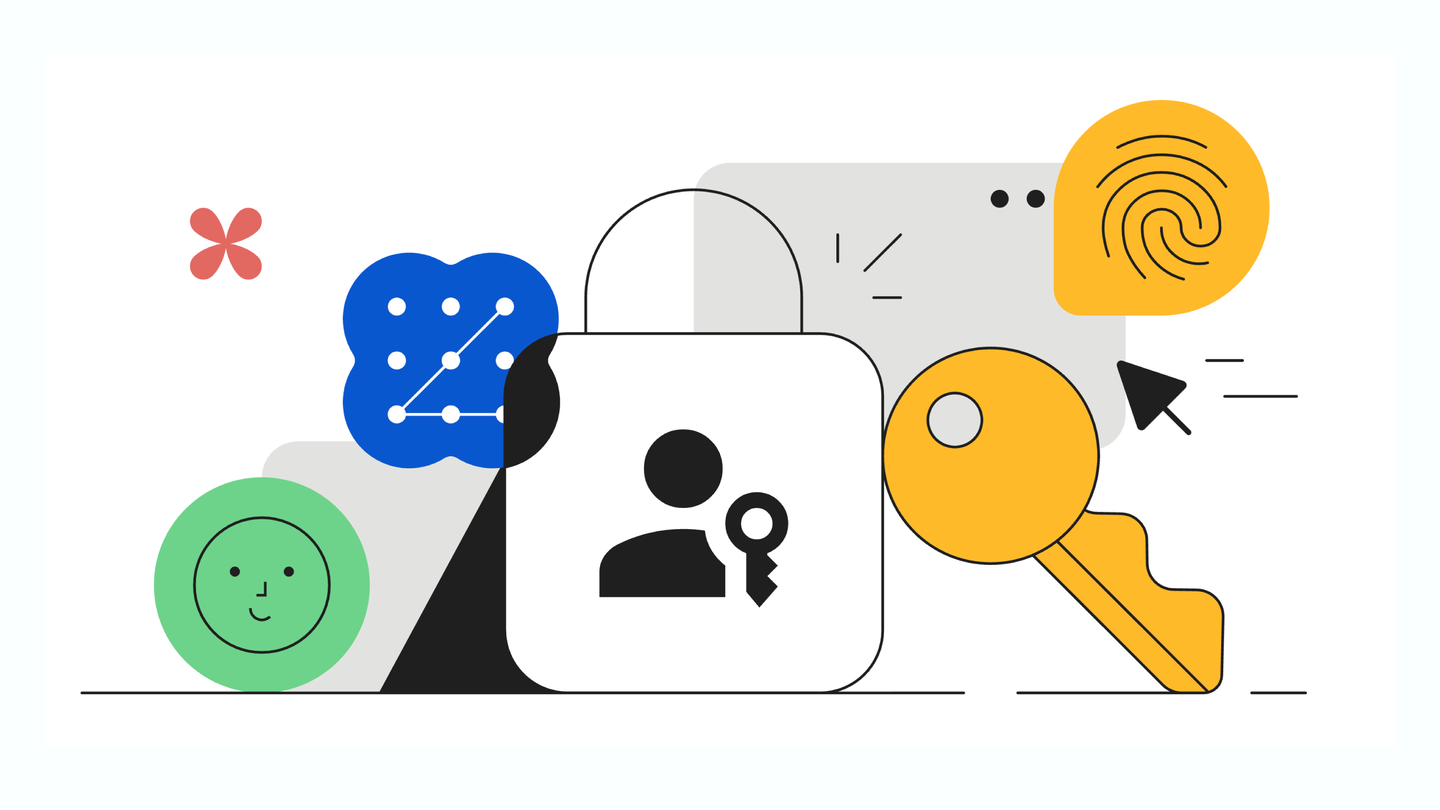
Passkeys let you sign in to apps or sites the same way you unlock your device: with a fingerprint, face scan, or device PIN code, making them easier and more secure than passwords. (Biometric data like your fingerprint or face scan stays on your device and is never shared with Google.) And, unlike passwords, passkeys are designed to be resistant to common online attacks like phishing.
Ready to make the switch? To set up a passkey for your Google Account, visit g.co/passkeys, click “Create a passkey,” and follow the prompts.