3
Halloween is all about pumpkin patches, clever costumes, and unforgettable spooky nights. Don’t let those memories just sit in your library. Bring them to life with these Google Photos tips and tricks:
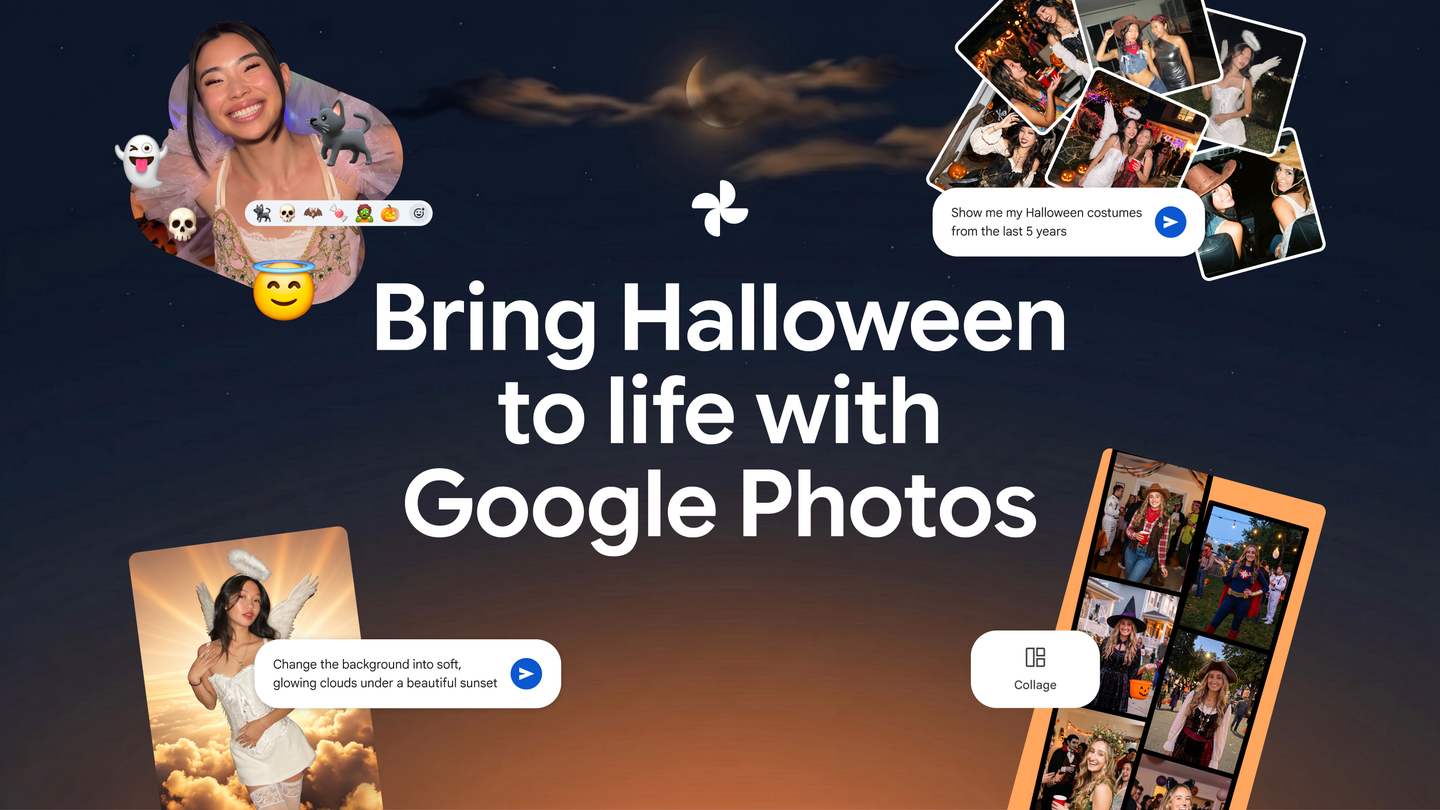
- React to photos in shared albums with any emoji to truly match the moment. 🎃🧟🦇🍬🧛
- Want to avoid a costume repeat? Use Ask Photos
to search, “What costumes have I worn on Halloween?” and summon memories instantly.
- Edit with Ask Photos
to swap a background for a more spooky scene, like a graveyard or haunted house. You can also add eerie lighting, remove photobombers, and more — all you have to do is ask.
- Try editing your images with Moods
, like “Night lights” for an evening aesthetic perfect for late night Halloween snaps.
- Create a custom collage of your favorite costumes using templates or customized borders with the color of your choice.
Try these tricks and more in the Google Photos app today!